Schedule changes
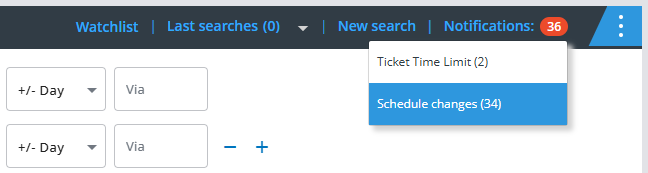
As soon as a new notification is available for a booking, it will appear in the notification counter. Just click the number to view the flight schedule changes or the updated ticketing deadlines:
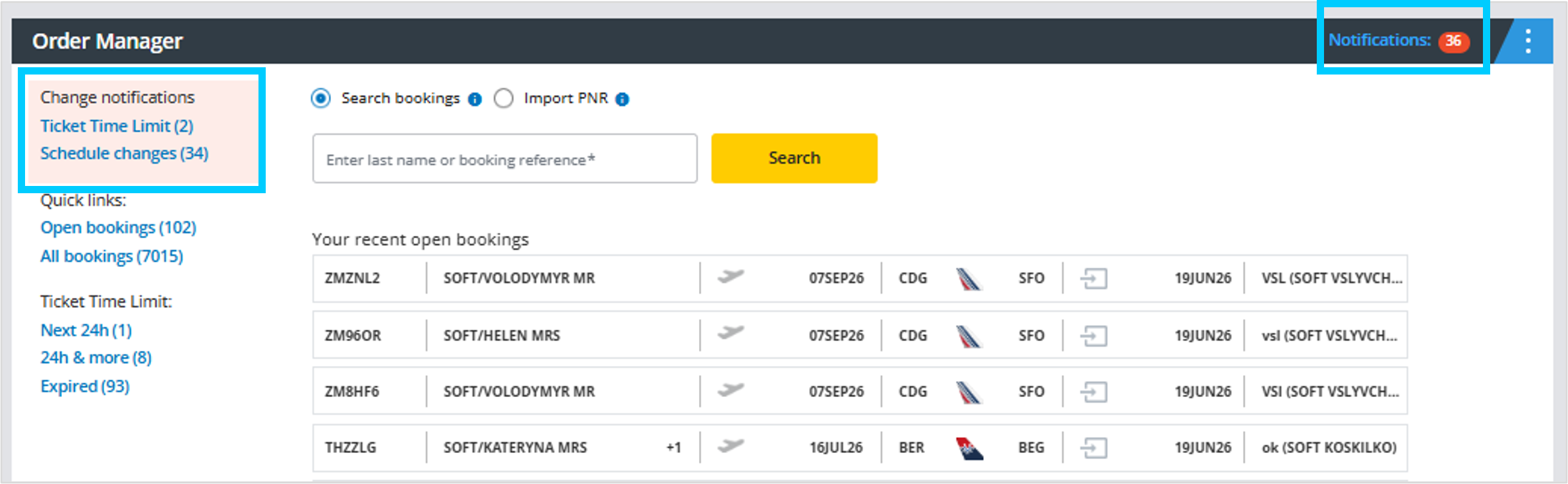
Clicking on one of the options you will get to "My Bookings" where you can access all bookings with schedule change notifications or TKTL warnings:
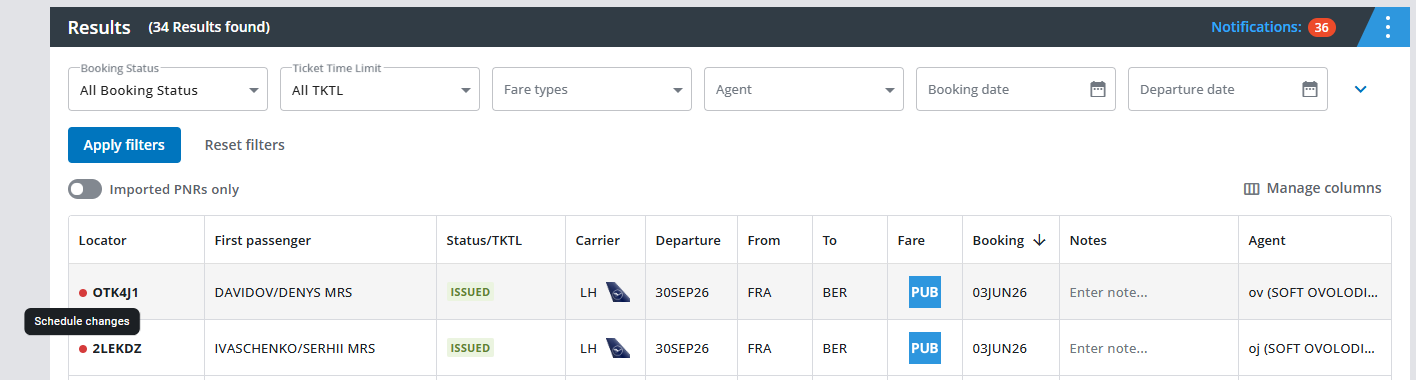
When you click on the quick link, the list of bookings with a notification will be displayed:
After opening the booking by clicking on it, the flight segments with a schedule change will be highlighted and the “SCHEDULE CHANGE” link will be displayed:
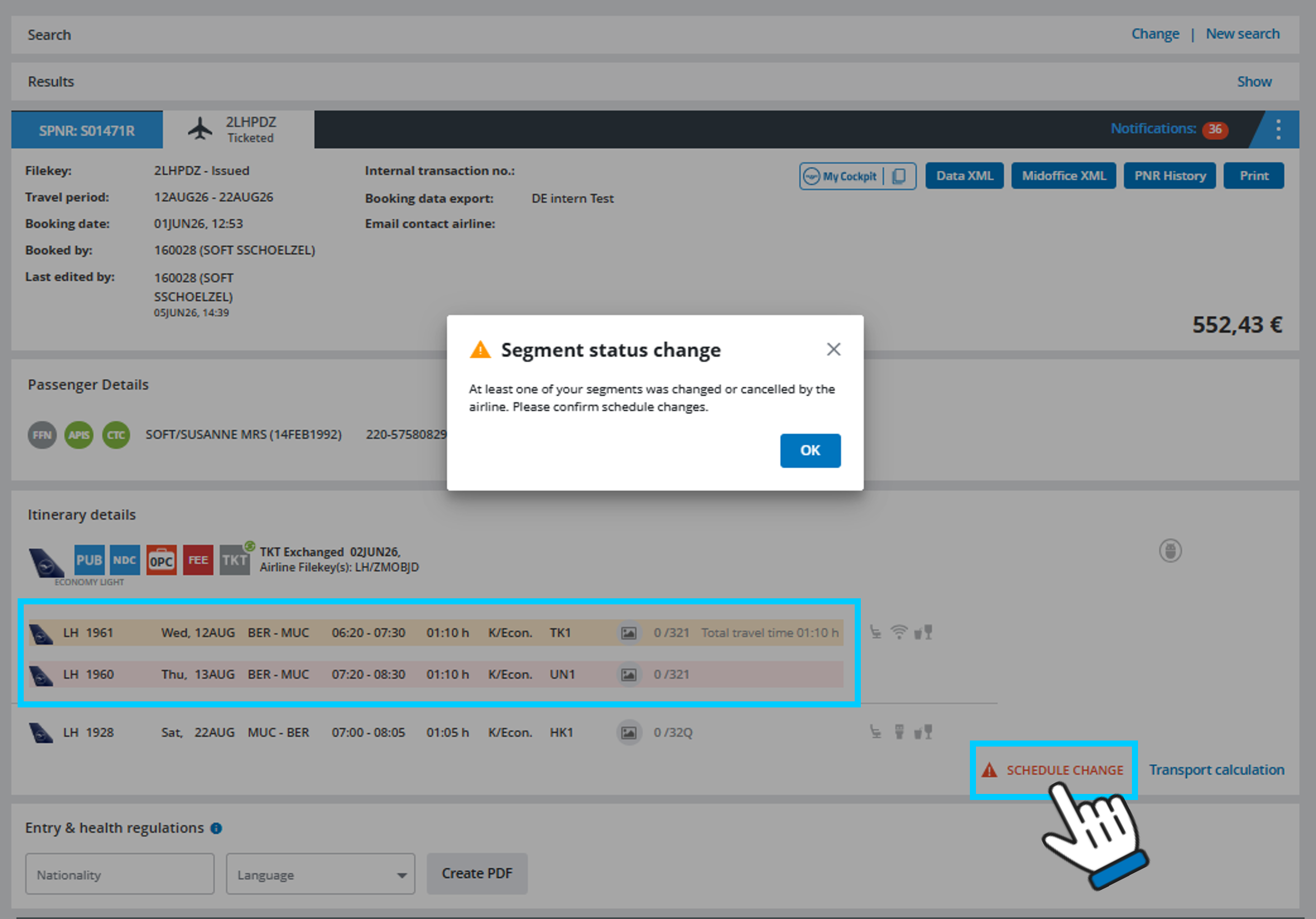
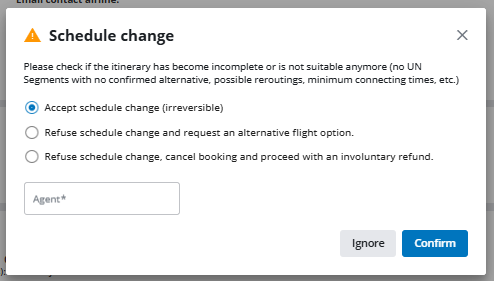
When you click on “SCHEDULE CHANGE” a pop-up window will open where you can accept the schedule change, reject it and request a rebooking, or cancel the booking and request an involuntary refund.