Menus
General
You have started using the Cockpit website. That's great!
We know that there are quite a lot of functions and possibilities within this site.
So, let's take it nice and easy and start off with going through the very basics. Small steps before we start sprinting.
Top menu
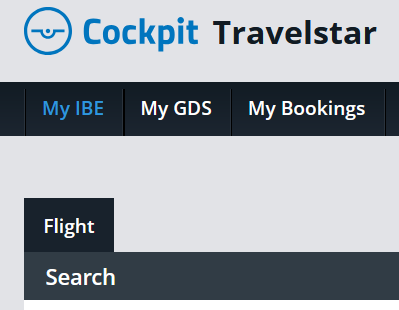
First things first. Cockpit has a menu at the very top of the screen, and from there you are able to access different functions of the website.
Here's briefly an overview of where the menu options will take you:
- My IBE - takes you back to the search screen
- My GDS - here you can view your bookings just as you would in your GDS (Sabre and Amadeus)
- My Bookings - access to the Order Manager
Sub-menu
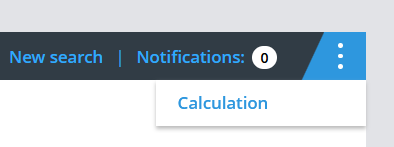
In addition, you can see a blue button with three white dots at the right end of the search bar. This leads to a submenu where you will find the following option:
- Calculation - in the calculation tool you can add and adjust your agency mark-ups