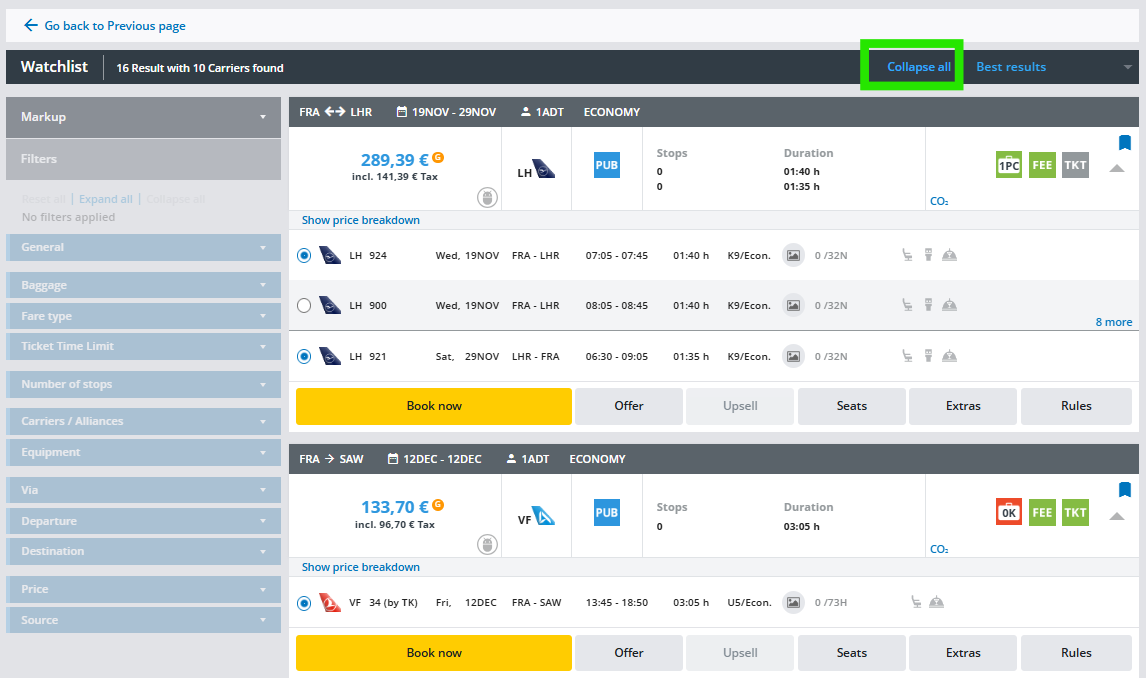
Watchlist
General
The Watchlist feature is designed to help you monitor and manage flight offers efficiently.
You can add search results to the Watchlist so that you can quickly revisit specific route details without reentering parameters or repeating the search and remove offers you are not interested in anymore.
Save Offers
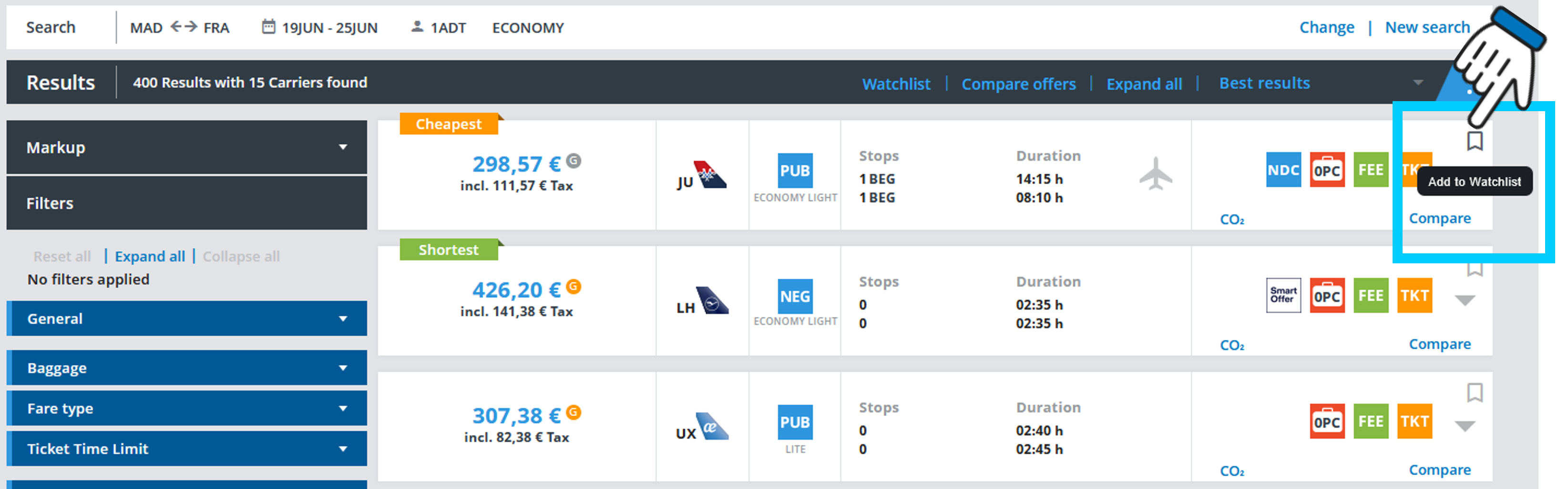
Add any offer from the search results to your Watchlist with a single click.
Centralized View
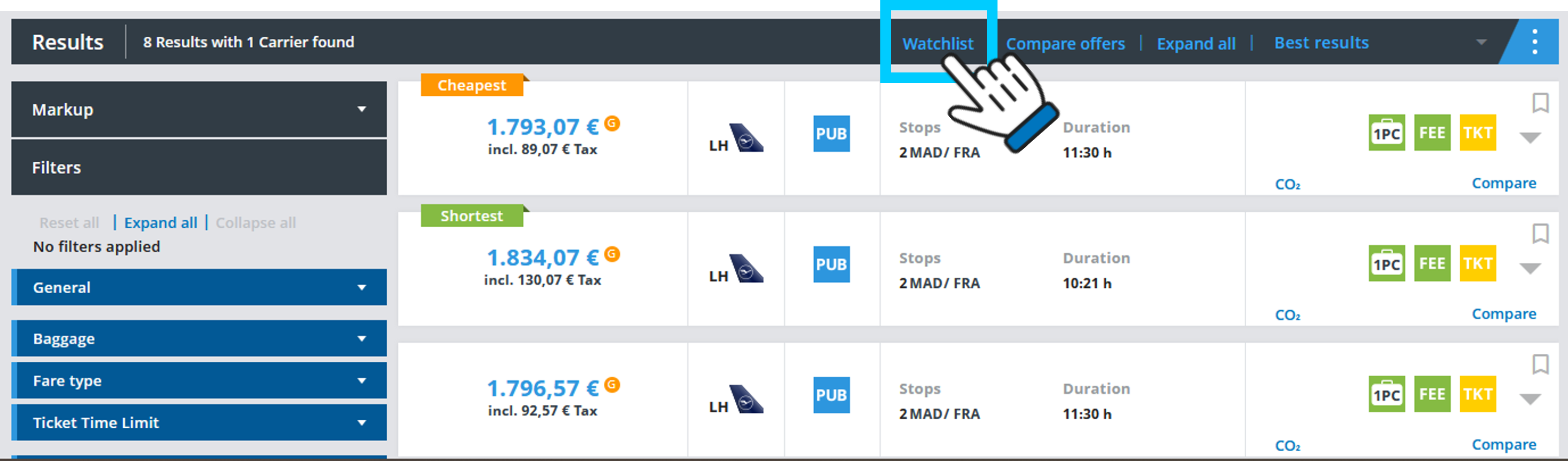
Access all saved offers in a dedicated Watchlist page, now visible throughout the entire booking flow.
Remove Offers
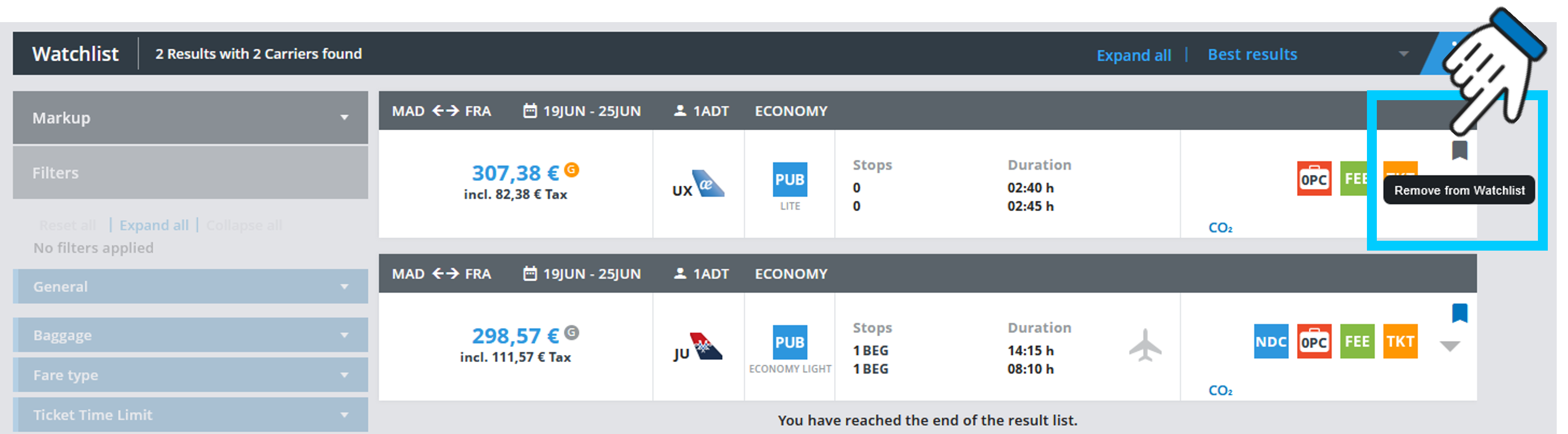
Remove offers from the Watchlist, either directly from the Watchlist page or from the search results.
Book from Watchlist
Book an offer directly from your Watchlist, without any need to search again.
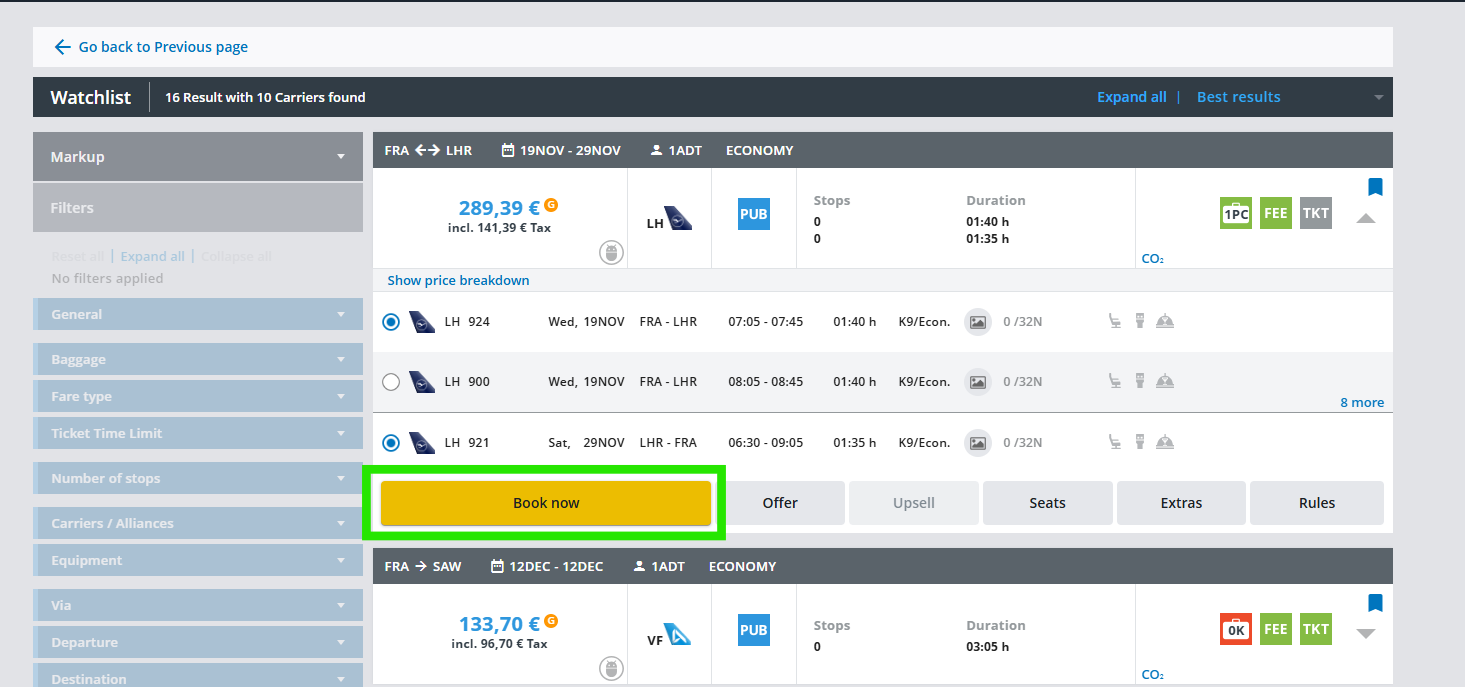
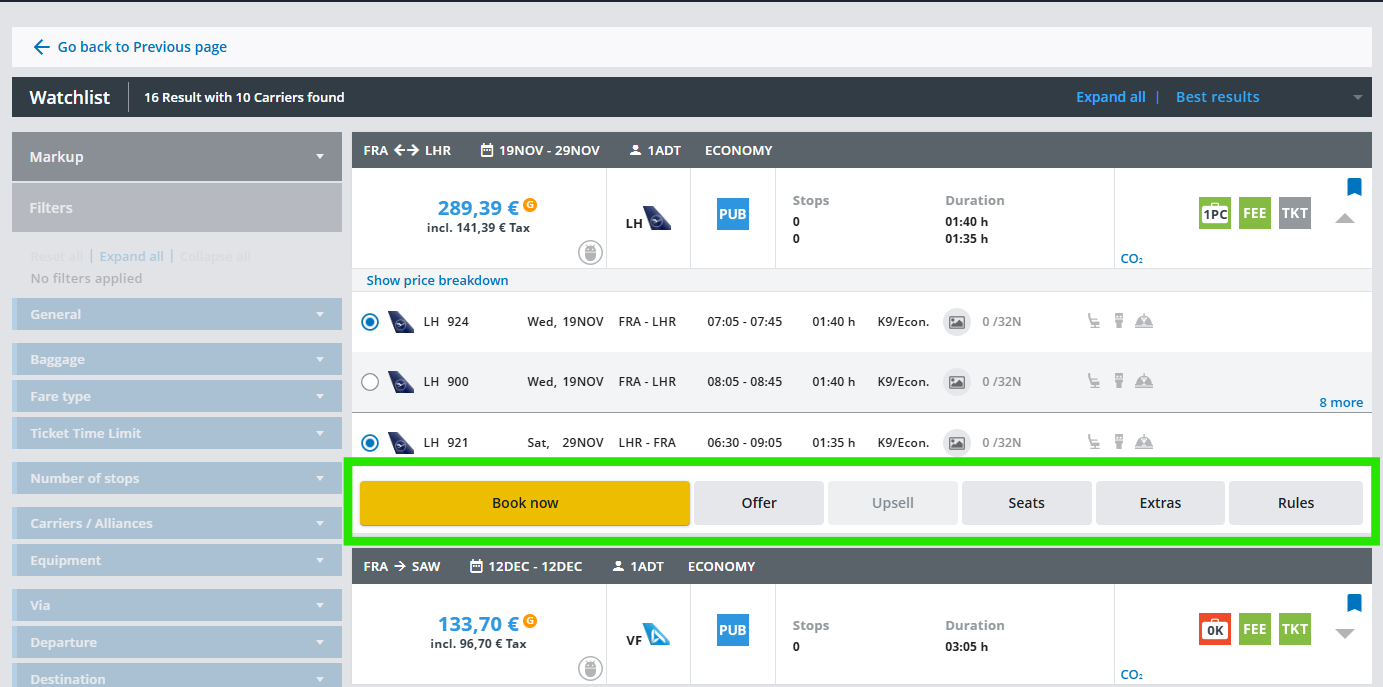
Action Buttons
Each offer in the Watchlist allows useful actions like Book Now, Offer, Seats, Extras and Rules.
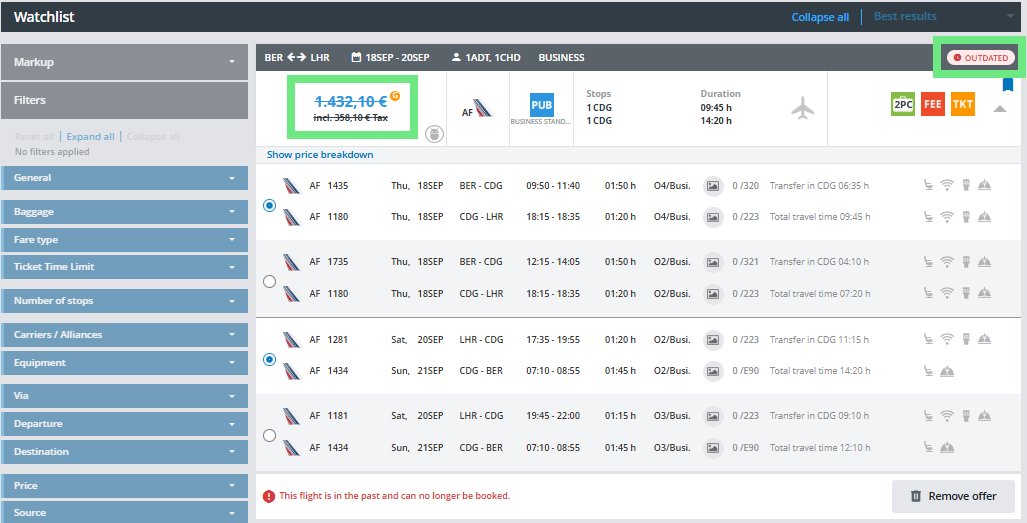
Outdated Offers
Offers for flights in the past are clearly marked with a crossed-out price and a warning message.
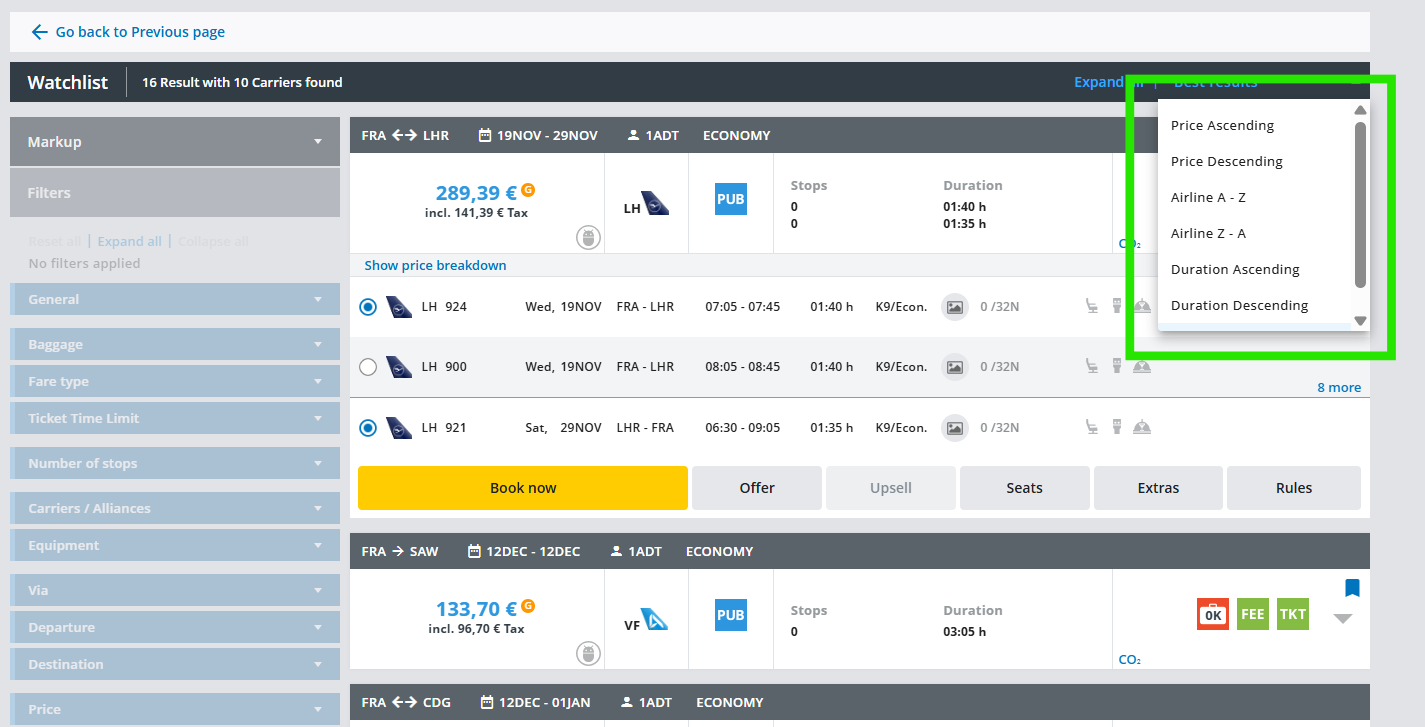
Sorting
Organize your Watchlist by price, airline, duration or best results, making it easier to compare and find the best option.
Expand All
Expand all offers at once for a better overview and comparison or collapse all.