Add booking
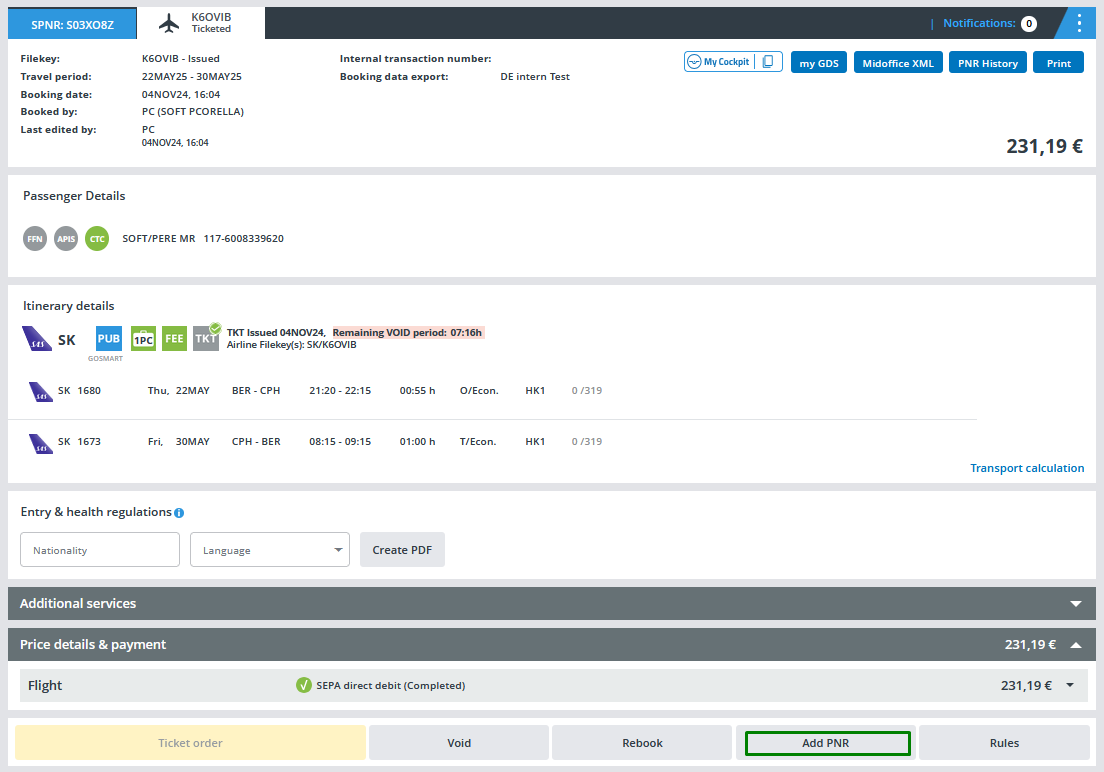
The button “Add PNR” offers in Cockpit the possibility to link an existing booking with a new one.
It is offered for all bookings under “My Bookings” regardless of the booking status (reservation only, ticketed, cancelled, etc.).
This is how it works
By clicking on the button "Add PNR" the creation of an associated PNR will be iniciated:
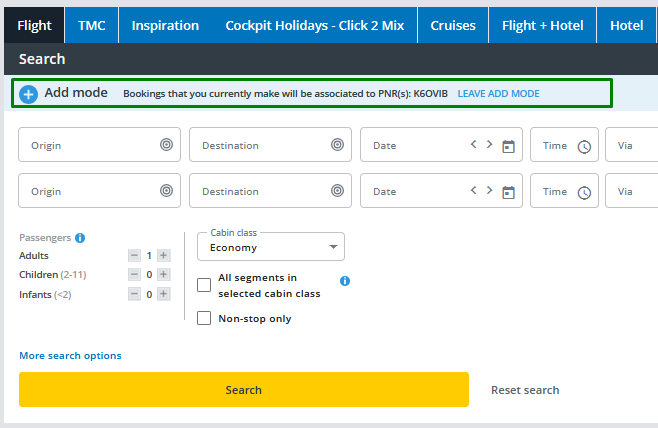
Above the search mask, a highlighted message states clearly that we are searching in the "Add mode" which can be left by clicking on "LEAVE ADD MODE":
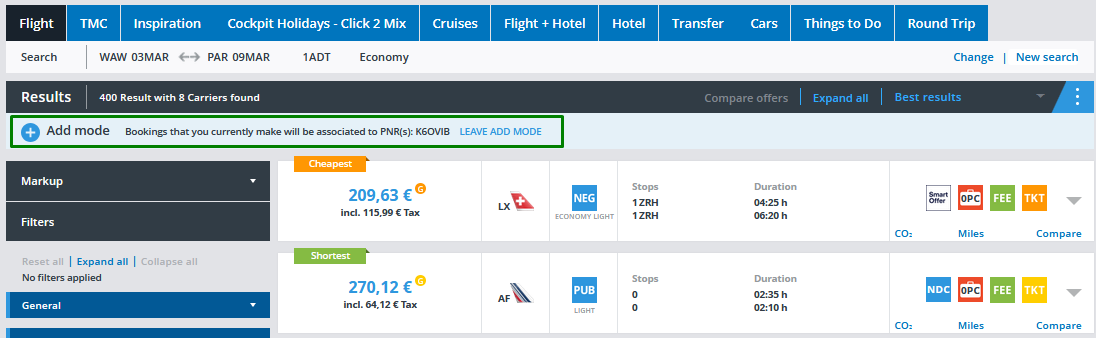
The same message will continue to appear during all the booking flow:
After selecting the desired flight, this autofill pop-up will be displayed:
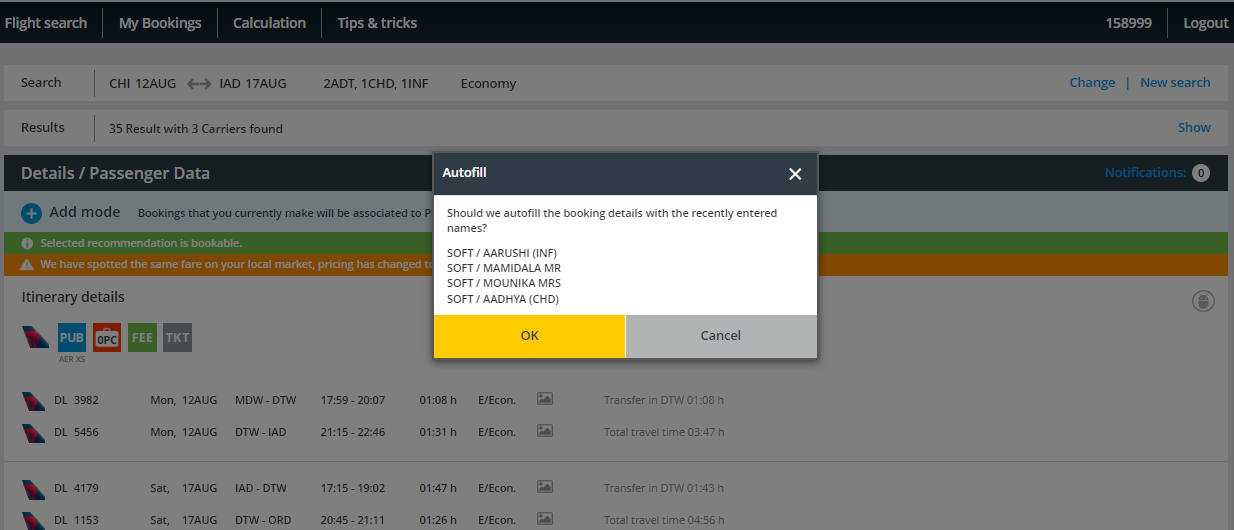
All passenger data (title, names, birth date, TSA, APIS, CTC) will be copied automatically from the existing booking to the new one.
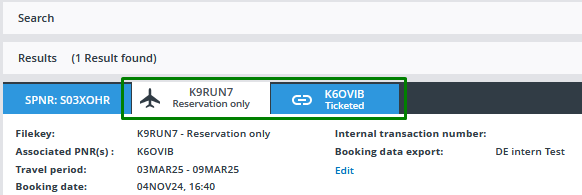
The newly created PNR will appear as associated PNR in the header of the other PNR: