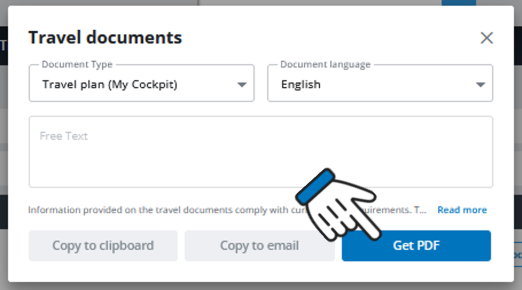
Print your dinamic Travel Plan
How to proceed
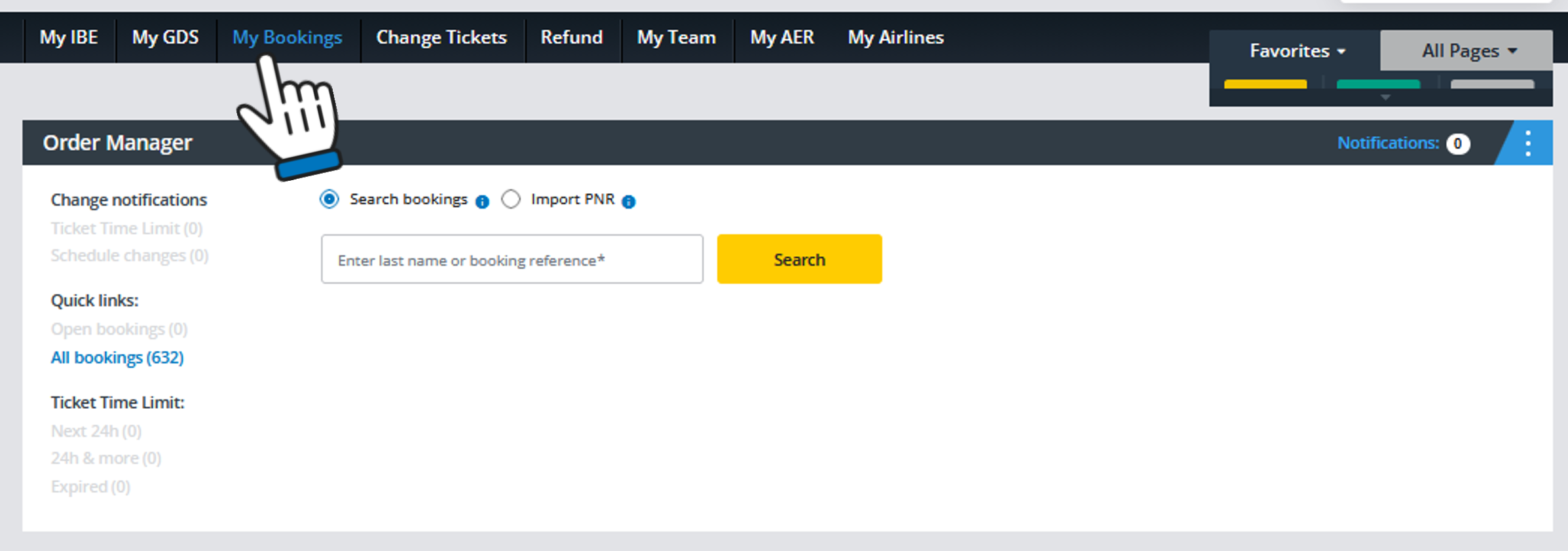
Retrieve the PNR in the Cockpit Order Manager ("My Bookings"):
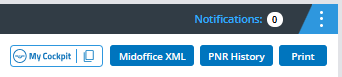
Open the booking and click on the "Print" button in the top right corner:
This pop-up will open right away:
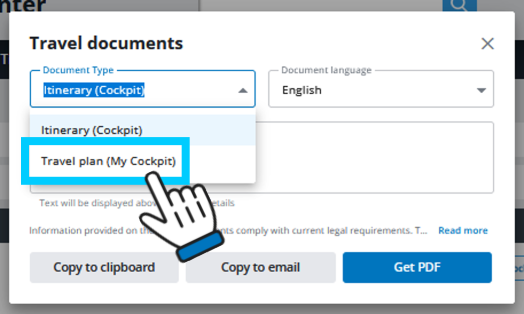
Now just select "Travel Plan (My Cockpit)" and you can then create a PDF file with a dynamic travel plan for your customer as usual.