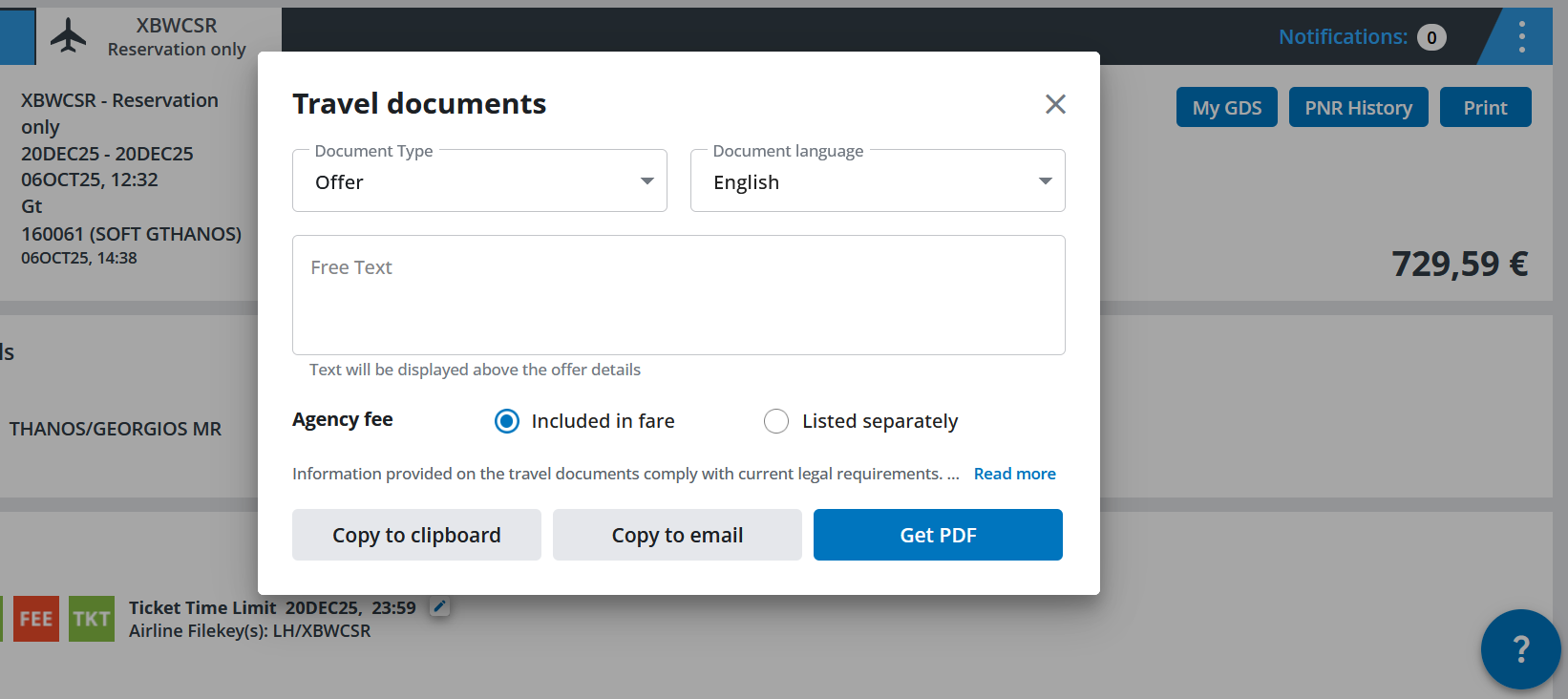
Print travel documents
You can generate a confirmation, a journey registration form, an offer or an itinerary as a PDF file. These documents can be saved and printed or copied to clipboard or directly into an email as required.
The following languages are available:
German, English, French, Italian, Dutch, Polish, Russian, Spanish, Czech and Turkish
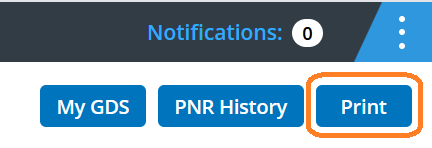
After clicking on “Print” you will see the following pop-up window:
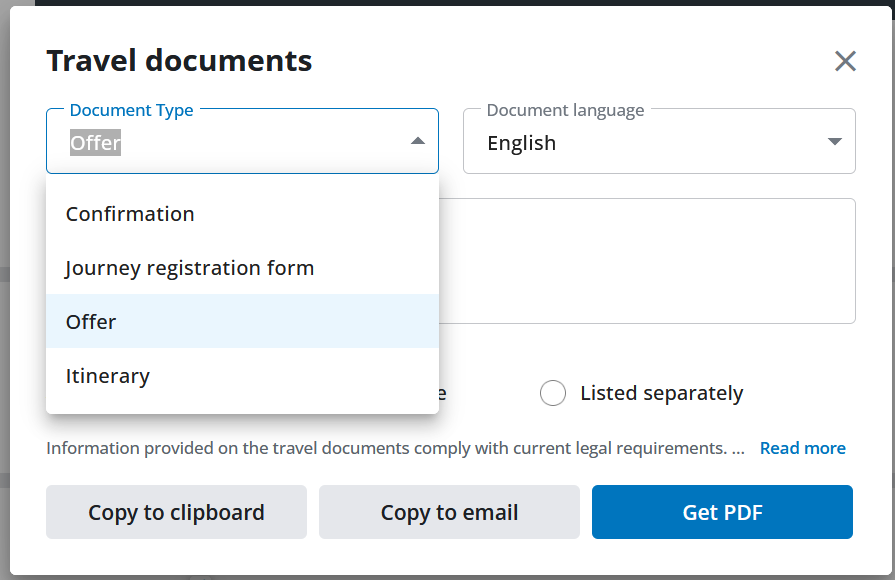
Select the document type you wish, choose the document language you prefer, optionally enter a free text, decide on how you want the agency fee to appear and click on one of the three buttons to get the document as a PDF or copy and paste it wherever you like.